
The QSRemit app is intuitive.
You can easily and quickly manage the QSRemit app.
Intuitive use of essential features.

• There are five menus at the bottom of the app.
From left to right, there are the Home button, Wallet button,
Recipient button, Transaction History button, and Menu button.

• Tap the Recipient button to register a recipient.
View and manage sending history and alarms.

• Tap the Transaction History button to view your remittance history by period.
• To view the details of a transfer, please tap the transaction record.

• Turn on push notifications to receive updates on various promotions and events.
• Turn on biometric authentication for easier login.
• In My Information, you can check your name and ID validity period, and update your phone number and email address.
• In the Customer Center, you can check the customer support phone number and email address.
• In Language, you can change the app language.
• In Terms and Policies, you can review the terms and policies you have agreed to.
PIN reset and additional image upload features.
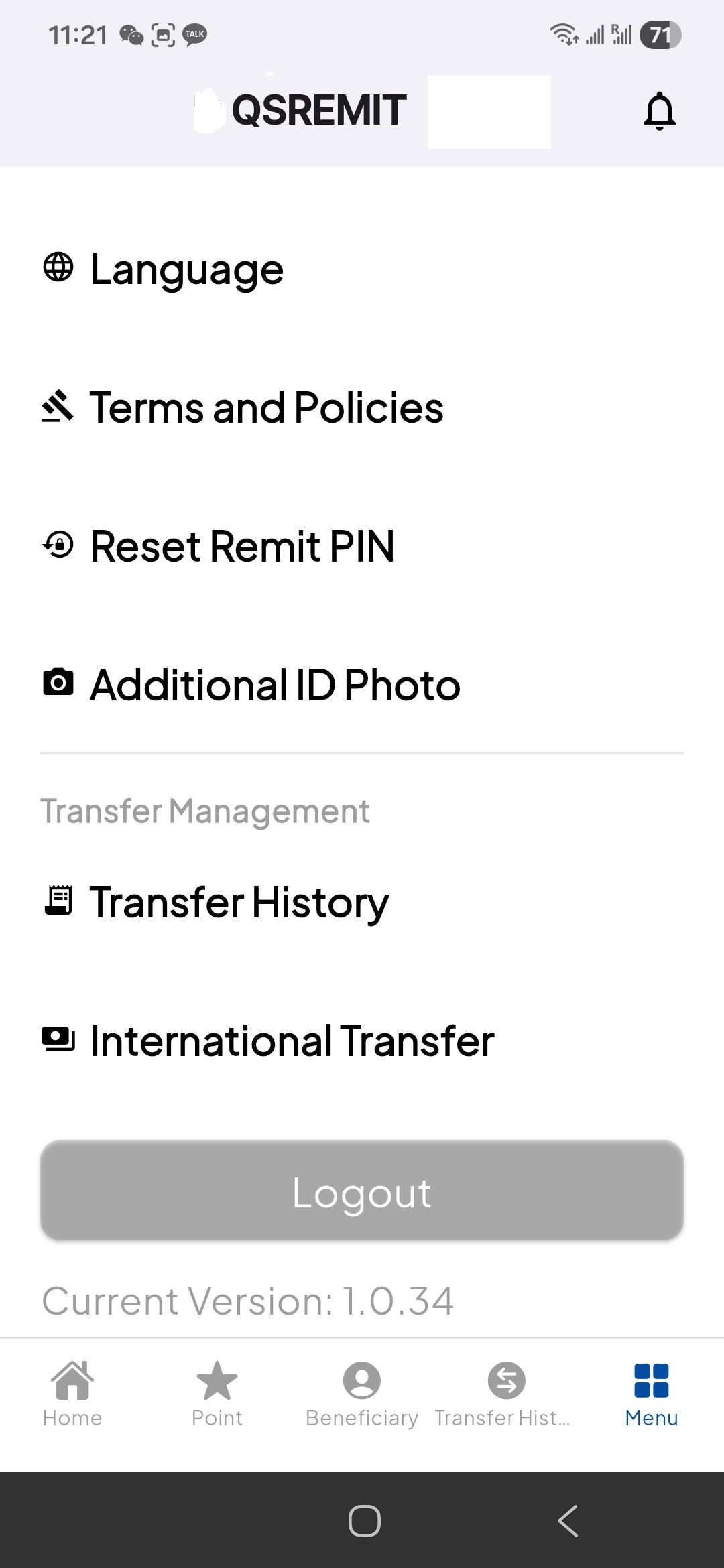
• In Reset Remit PIN, you can change your transfer confirmation PIN.
• In Additional ID Photo, you can update your renewed identification document.